In the rapidly evolving world of fintech, convenience and cost-efficiency are the two pillars that define a superior user experience. For iPhone and Apple Watch users across Europe, the financial landscape has just become significantly more rewarding.
We are thrilled to announce that Free Apple Pay Deposits with Jeton are now available! By eliminating the previous 5% deposit fee, Jeton is making it easier than ever for users to manage their global finances without the burden of unnecessary costs.
Join us in this blog as we explore how you can maximize this new feature, the security benefits of Apple’s ecosystem, and how Jeton continues to lead the way as a premier digital wallet for international payments. Let’s start to dive in!
What Is Jeton and How Does Jeton Finance Work?
Before diving into the technicalities of deposits, it’s important to understand what is Jeton. Jeton is a licensed, global online payment account designed for the modern era. It functions as a comprehensive payment wallet that allows users to hold, move, and exchange money across borders with ease.
Jeton Finance is built on the principle of accessibility. Whether you are looking for an online account without traditional bank restrictions or a multi-currency account that supports over 50 currencies, Jeton provides the infrastructure.
Through the Jeton app, users gain access to a multi-currency wallet account that allows them to send money abroad instantly or receive money with Jeton from anywhere in the world.
Jeton’s global footprint is vast, with dedicated services such as Jeton EU, Jeton Germany, Jeton Poland, and Jeton Japan. This global reach is supported by prestigious Jeton partnerships, including our role as the Official Unified Finance App Partner for Jeton West Ham United.
Benefits of Apple Pay: Why Use Apple Pay with Jeton?
If you are an iOS user, you likely already know the convenience of your device, but the benefits of Apple Pay extend far beyond just "tap-to-pay." When you use Apple Pay to fund your Jeton account, you are choosing a method that is:
- Cost-Effective: With Jeton’s new 0% fee policy for European users, you save 5% on every deposit compared to previous rates.
- Instant: Deposits are processed in real-time. There is no waiting for bank clearances.
- Secure: Apple Pay doesn’t share your actual card number with Jeton. It uses a device-specific number and a unique transaction code.
- Universal: From your morning coffee to your Jeton top-up, it is one of the most widely accepted methods globally.
How to Set Up Apple Pay and How to Use Apple Pay on iPad or Watch
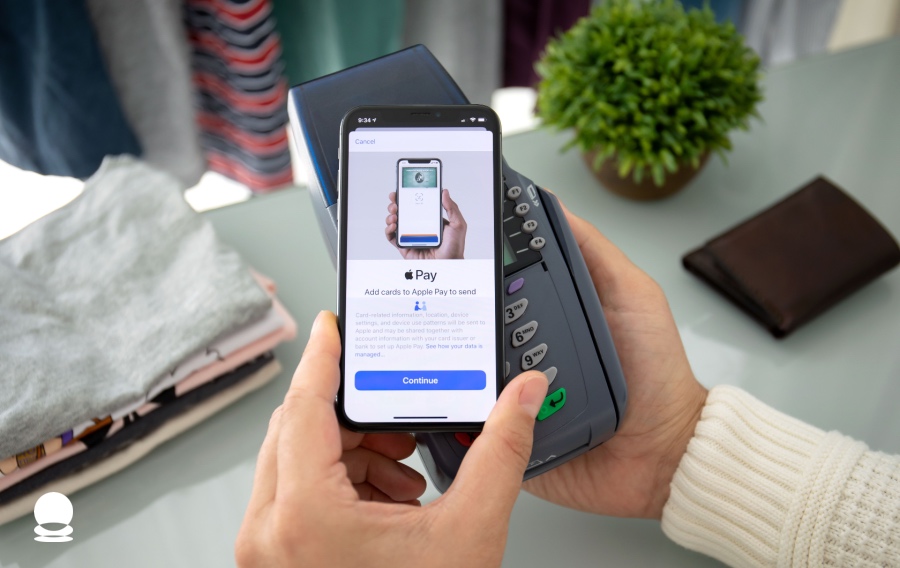
To take advantage of free deposits, you first need to know how to set up Apple Pay. The process is seamless across the Apple ecosystem.
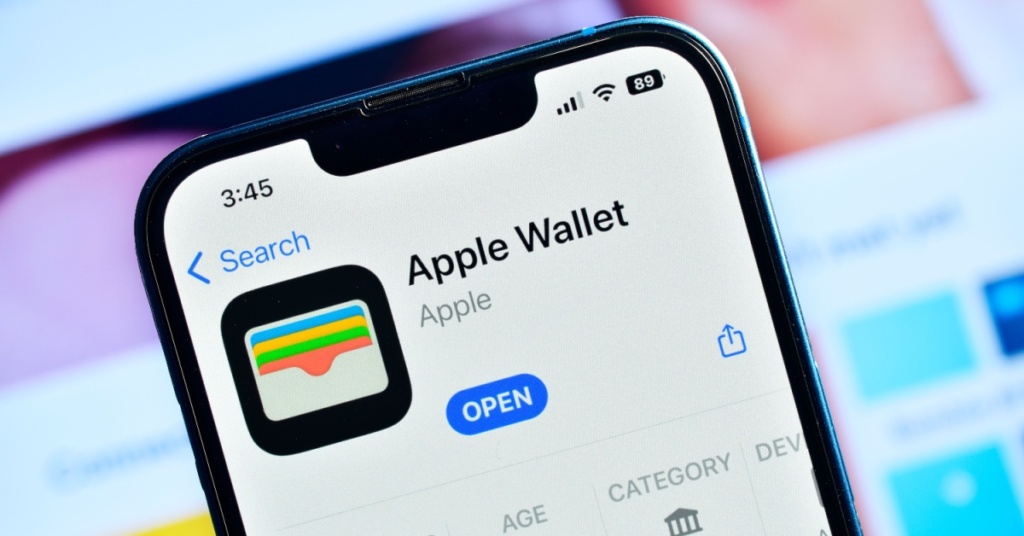
- On iPhone: Open the Wallet app and tap the "+" sign. Follow the prompts to add your credit or debit card.
- How to use Apple Pay on Watch: Open the Apple Watch app on your iPhone, go to "Wallet & Apple Pay," and tap "Add Card."
- How to use Apple Pay on iPad: Go to Settings > Wallet & Apple Pay to add your card for in-app and website purchases.
Once your cards are added, you can pay with Apple Pay across millions of places that use Apple Pay, including the Jeton app for your account top-ups.
How to Use Apple Pay Step by Step for Jeton Deposits
Funding your multi-currency wallet account is simple. Here is how to use Apple Pay to deposit into Jeton:
- Open the Jeton App: Log in to your account and select "Deposit."
- Choose Apple Pay: Select Apple Pay as your preferred method.
- Enter Amount: Input the amount you wish to deposit (up to 1,500 EUR per transaction).
- Authenticate: A summary will appear. Confirm the Jeton payment using Face ID, Touch ID, or your passcode.
- Confirmation: You will receive an instant notification that your Apple Pay payment successful.
Understanding Apple Pay Terms and Conditions and Limits
While Jeton has removed the fees, there are still Apple Pay terms and conditions and transaction limits to keep in mind to ensure smooth operation of your online payment account.
Jeton’s Apple Pay Deposit Limits (Europe):
- Per Transaction: Up to 1,500 EUR
- Per Day: Up to 5,000 EUR
- Per Month: Up to 10,000 EUR
These limits are designed to provide flexibility for everyday users while maintaining the high-security standards required for a digital wallet for international payments.
What Is Apple Pay Security? Does Apple Pay Use NFC?
One of the most frequent questions from users is: does Apple Pay use NFC? Yes, for in-store purchases, it uses Near Field Communication (NFC) technology. However, for Jeton deposits, it uses secure web-based encryption.
Apple Pay security is world-class. When you pay with Apple Pay, your card details are never stored on the device or Apple servers. Instead, a "Token" is used. This makes it a perfect partner for the Jeton Card and our virtual card for secure payments. Even if you are using an Apple Pay app on a public network, your financial data remains encrypted and private.
Jeton Business: Jeton Merchant and Merchant Accounts
Jeton isn't just for individuals; Jeton Business provides robust solutions for companies worldwide. A Jeton merchant account allows businesses to accept payments via Jeton Bank transfers, cards, and now, efficiently via Apple Pay.
By using a Jeton business account, a Jeton merchant can reduce the "settlement lag" often associated with traditional banking. As Apple Pay becomes a standard for customers, having a Jeton merchant account that supports these 0% fee deposits ensures your business remains competitive and cost-efficient.
Send Money with Jeton: Virtual Cards and Secure Debit Cards
Once your account is funded via Apple Pay, the true power of Jeton Finance is unlocked. You can use your balance to:
- Send money with Jeton: Transfer funds to other users or send money abroad instantly.
- Jeton Card: Use your physical or virtual debit card for daily spending.
- Jeton Virtual Card: Generate a virtual card for one-time online purchases to keep your main account details safe.
The Jeton Card serves as one of the most secure debit cards on the market, especially when managed via the Jeton app. If you are traveling, your multi-currency account ensures you aren't hit with high conversion fees, as you can spend in the local currency of the region you are visiting.
Frequently Asked Questions About Apple Pay
How to Use Apple Pay on an Android Phone?
Technically, Apple Pay is exclusive to iOS. Android users should use Google Pay. However, Jeton supports both, ensuring no matter your device, you can send money using Apple Pay (on iOS) or Google Pay (on Android) with zero deposit fees in Europe.
How to Receive Money on Apple Pay?
To receive money on Apple Pay, you typically use Apple Cash. However, with Jeton, you can receive money with Jeton from other users and then withdraw or spend it using your Jeton Card.
Can I Get a Refund with Apple Pay?
Yes, if you make a purchase and need a refund with Apple Pay, the merchant can process it back to the original token used for the transaction, which then reflects in your account.
Wrapping Up: The Future of Your Finance Is Here
The move to Free Apple Pay Deposits with Jeton! is a testament to our commitment to our users. By merging the world-class security of Apple with the global flexibility of Jeton Finance, we are providing a "unified finance" experience that traditional banks simply cannot match.
Whether you are a Jeton West Ham United fan, a business owner using a Jeton business account, or a traveler in Jeton Japan, our platform is designed to make your money work harder for you. Stop paying 5% fees and start enjoying the most efficient payment wallet on the market.
Maximize your global spending power today. Download the Jeton App via the App Store or Google Play. Sign up easily and make your first free Apple Pay deposit now!